Ask for a chore plan
Describe the room, the mess, the time you have, or what else is competing for attention.
AI chore planner
Aivida helps you decide what chore to do next, create a room-by-room plan, and save useful tasks as actions. It also keeps meal ideas, Food Log, Nutrition, Diet metrics, Recipes, and routines close when the day needs more than cleaning.
Free to start. No credit card required.
The problem
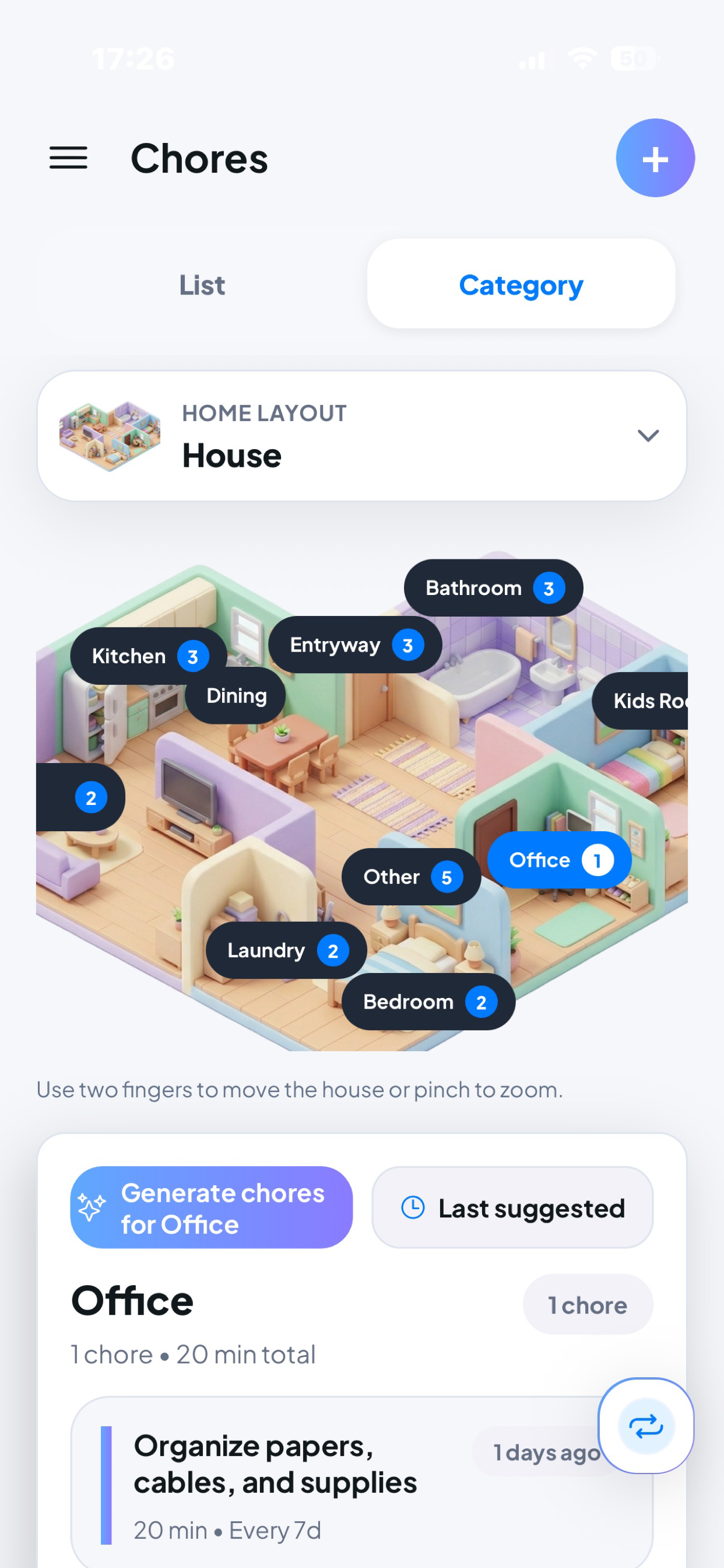
A busy home can turn into a long mental list: kitchen, laundry, bathroom, office, dinner, food logging, diet check-ins, follow-ups, and weekly resets. Aivida starts with the chore that needs attention, then keeps the rest of the home plan in reach.
How it works
Describe the room, the mess, the time you have, or what else is competing for attention.
Aivida turns the request into focused chores for the room, category, or home layout you are working through.
Keep useful chores and follow-ups, then return to meals, routines, Recipes, Nutrition, or Diet metrics in the same app.
Example prompts
Benefits
Stop carrying the whole home list in your head and start with one useful room or task.
Plan chores around the kitchen, bathroom, bedroom, office, or the room that needs attention.
Turn AI suggestions into chore actions and follow-ups you can revisit and repeat.
Build a practical rhythm for resets, recurring household work, meal routines, and daily check-ins.
What Aivida includes
These are feature areas inside Aivida, not separate pages: chores, Food Log, Nutrition, Diet metrics, Recipes, Calendar routines, and saved AI actions.
Plan room-by-room chores, save follow-ups, and keep recurring home tasks visible.
Add meals manually, use barcode lookup, or use AI Food Log when describing what you ate is faster.
Keep diet type, allergies, pantry items, shopping list, goals, and macro targets close to meal planning.
Review calories, protein, carbs, fat, adherence, trends, Diet History, and Diet Agent insights.
Browse recommended recipes, save ideas, and plan meals around what you have and what fits your goals.
See scheduled, completed, and overdue work so chores, meals, and follow-ups become a weekly rhythm.
Turn helpful AI suggestions into practical actions you can return to later.
Inside Aivida
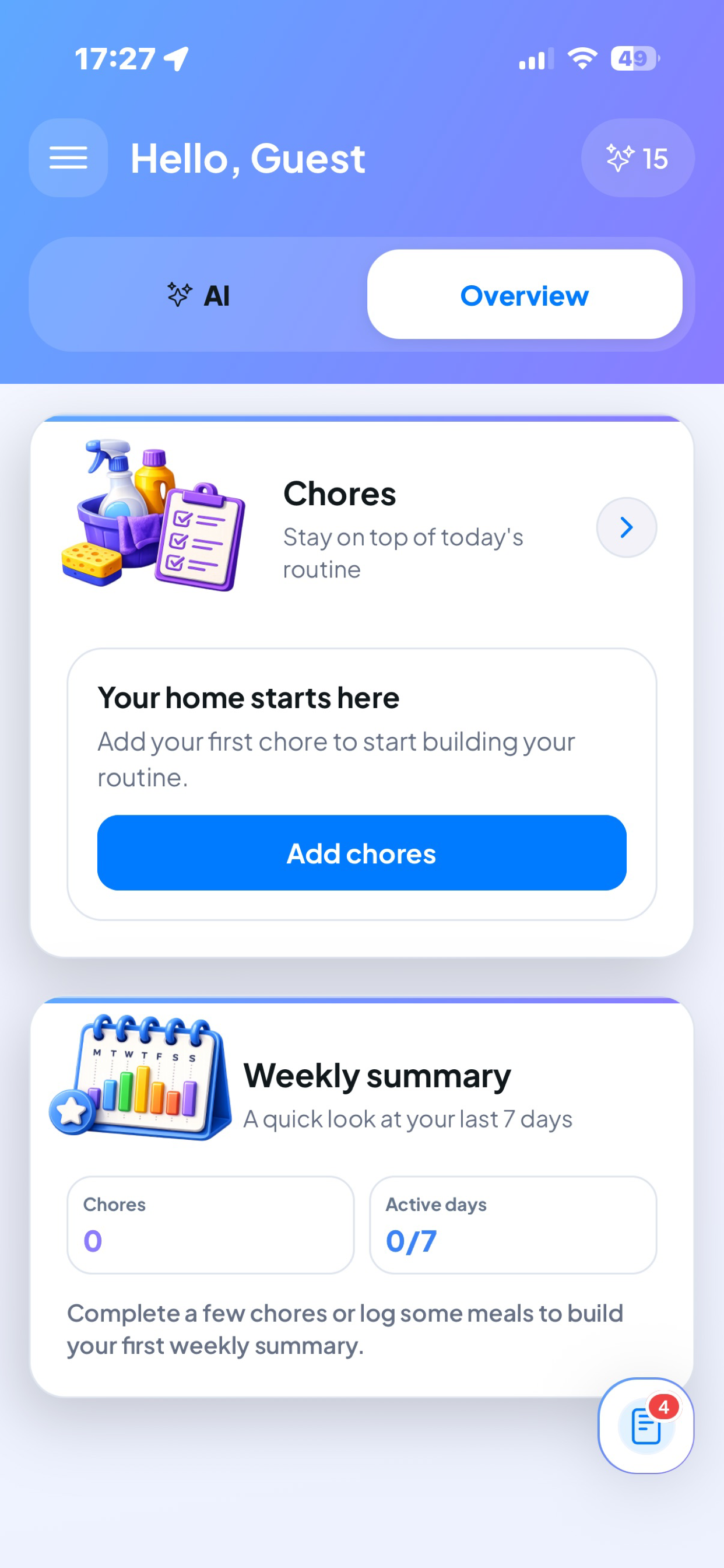
Chore planning is only one part of Aivida. After you save a task, the same app can help you log meals, review nutrition context, browse Recipes, check Diet metrics, and build routines around the week.
Use List, Category, and room-based planning to organize work around the way your home actually feels.
Save the next step after a chore, then use scheduled, overdue, and completed context to keep momentum.
Switch from room work to dinner ideas, Food Log, Recipes, or Nutrition without leaving the home plan.
Keep calories, protein, carbs, fat, Diet History, and Diet Agent insights available when food decisions matter.
FAQ
An AI chore planner helps you turn messy household tasks into focused cleaning steps, room plans, follow-ups, and saved actions.
Yes. You can ask Aivida for room-based chores, category-based planning, and follow-ups you can save for later.
Yes. Aivida supports chore planning, room suggestions, follow-ups, and tracking alongside meals, Food Log, Nutrition, Recipes, Diet metrics, and routines.
Yes. You can ask for weekly chore routines and keep saved actions visible for future resets.
Yes. Aivida is free to start on iPhone, with Pro available for more complete AI help.
No. Aivida also helps with meal ideas, AI Food Log, barcode-supported food logging, Nutrition profile, Recipes, Diet History, metrics, and home routines.
Aivida for iPhone
Ask Aivida for a focused chore plan, then keep meals, Food Log, Nutrition, Diet metrics, Recipes, and routines connected to the rest of your day.
Download on the App Store Free to start. No credit card required.